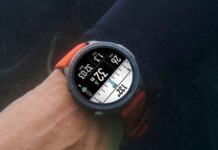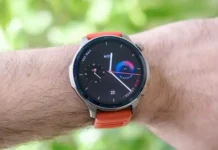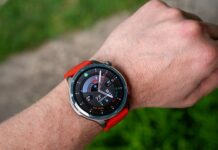
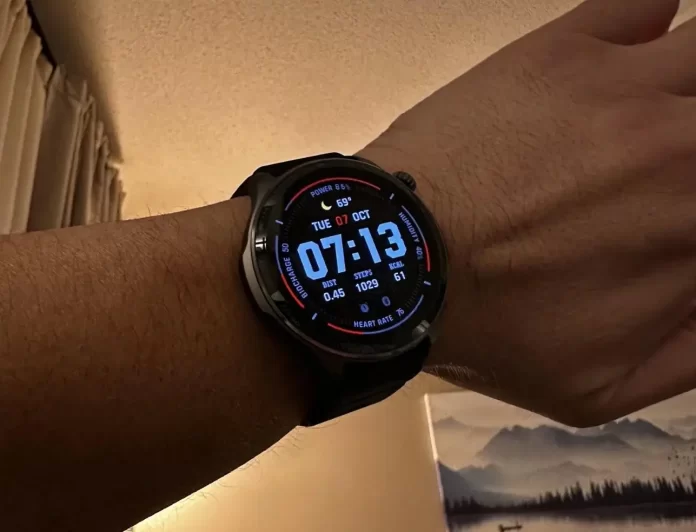
Amazfit is commencing the phased rollout of a substantial new firmware update, version 3.30.0.2, for its Amazfit Balance 2 smartwatch. This update introduces a host of innovative features and key optimizations designed to enhance the overall user experience, performance, and customization capabilities of the device. Users can look forward to a more personalized, functional, and powerful wearable experience.
Enhanced Customization and System Features
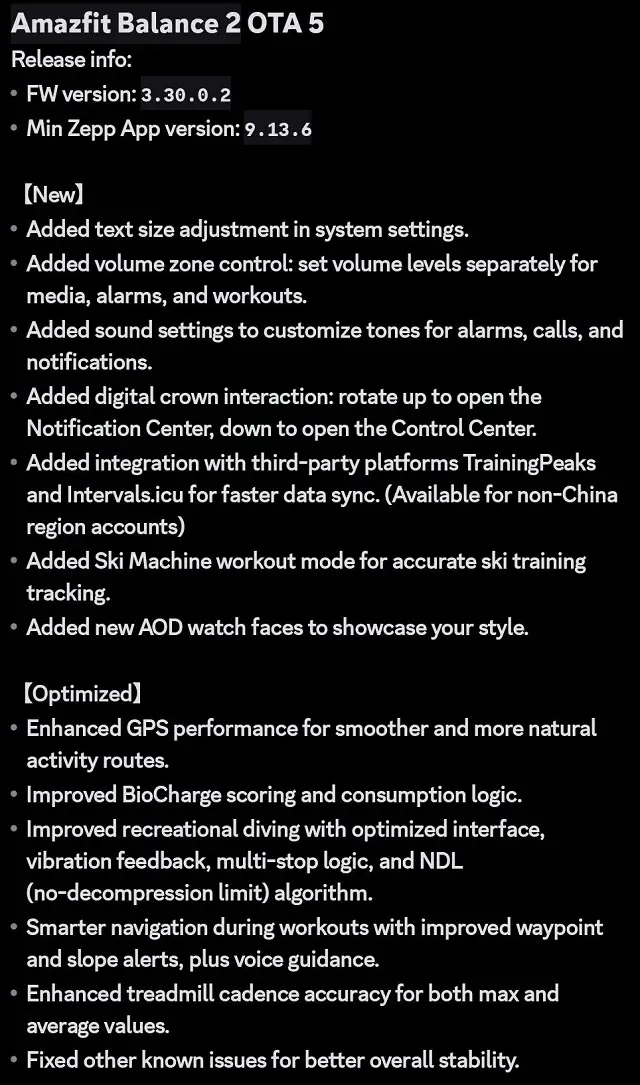
The new firmware places a strong emphasis on user personalization, particularly in how you interact with and hear from your watch. A highly anticipated addition is the ability to adjust text size directly within the system settings, greatly improving accessibility and readability for all users. Furthermore, audio control receives a major overhaul with volume zone control. This allows owners to set separate volume levels for media, alarms, and workout prompts, giving precise management over sound output. To complete the audio improvements, dedicated audio settings are now available for customizing the tones used for alarms, calls, and notifications.
Interaction is also streamlined with a new digital crown interaction: turning it up now quickly opens the Notification Center, and turning it down provides instant access to the Control Center. Finally, new AOD (Always-On Display) watch faces have been added to allow users to showcase their style even when the display is in its low-power state.
Deeper Fitness Integration and Tracking Accuracy
Fitness enthusiasts will appreciate the significant expansion of tracking capabilities and third-party compatibility. A brand-new Ski Machine workout mode has been added, offering accurate tracking for indoor ski training sessions. Beyond internal tracking, Amazfit is improving its ecosystem by adding direct integration with two popular third-party training platforms: TrainingPeaks and Intervals.icu. This integration promises faster data syncing for accounts outside of China, simplifying the process of analyzing and planning advanced workouts.
Several key metrics and tracking modes have been optimized:
- GPS performance has been notably improved, resulting in more natural and smoother recorded activity routes.
- The sophisticated BioCharge score and consumption logic have also been fine-tuned for increased accuracy.
- Workout navigation is now smarter with improved waypoint and grade alerts, alongside better voice guidance.
- Treadmill users will benefit from improved treadmill cadence accuracy, for both maximum and average values.
For adventurers, the recreational diving mode sees significant improvements, including an optimized interface, clearer vibration feedback, refined multi-stop logic, and better calculations thanks to an improved no-decompression limit ($text{NDL}$) algorithm. The update also addresses other known issues, ensuring improved overall stability of the smartwatch.
Availability and Installation Instructions
This vital firmware update is being released in a phased rollout, meaning some users have already started to receive the notification while others may need to wait a few days for it to become available on their device. Amazfit uses this staggered approach to ensure a smooth deployment.
To check for and install the update on your Amazfit Balance 2, please follow these steps:
- Ensure your Amazfit Balance 2 is charged to at least 10% (though fully charged is always recommended).
- Open the Zepp app on your connected smartphone (Android or iOS).
- Keep your watch and phone close to each other with Bluetooth active.
- Navigate to the Profile section in the Zepp app.
- Select your Amazfit Balance 2 device.
- Look for the “System Update” option (it may also be listed under “Check for updates” or a similar title).
- If version 3.30.0.2 is available, tap “Update Immediately” or the corresponding button.
- Important: Keep the Zepp app open and running in the foreground on your phone until the entire process is complete and the watch has rebooted.
You May Also Like To Check Out:?The New and Latest Smartwatches 2025